Contents
For most websites the simplest way to accept online payments is a payment facilitator: one contract, many payment methods, a hosted checkout page and ready-made receipts. A direct merchant account with an acquiring bank pays off in fees at high volume, and your own orchestration layer over several providers suits large projects that need resilience and payment routing.
Here are the options, how an integration works and what to test before launch.
Which payment acceptance options exist?
You can accept payments through a payment facilitator, through a merchant account with an acquiring bank, or through your own layer over several providers. They differ in the number of contracts, payment methods, fees and how much of the work you take on.
| Option | How it works | Who it suits | What to consider |
|---|---|---|---|
| Payment facilitator | One contract; the provider connects cards, wallets and local methods | Small and mid-sized businesses, fast launch | Fees are usually higher than a direct merchant account |
| Merchant account with a bank | A contract with an acquirer for card payments | Steady volume, better rates | Fewer payment methods, sometimes harder integration |
| Several providers | Your own routing layer across providers | Large projects with high volume | Building and maintaining your own payment layer |
Rates and terms change, so compare them at the time you sign up, taking your volume and average order value into account.
How does an online payment integration work?
Most providers work the same way: your server creates a payment via the API, the customer pays on the provider's hosted page or in an embedded widget, and the result reaches your server as a notification — a webhook. The order status changes only on the webhook or an API check, never on the customer's return to your site.
Integration steps:
- The server creates a payment with the amount, order description and an idempotency key.
- The customer goes to the hosted payment page or sees an embedded form.
- The provider sends a webhook about a successful or failed payment.
- The server verifies the signature, updates the order and issues a receipt.
- The customer returns to the site and sees the current status.
We explained why idempotency keys and correct webhook handling matter in idempotent payments and webhooks.
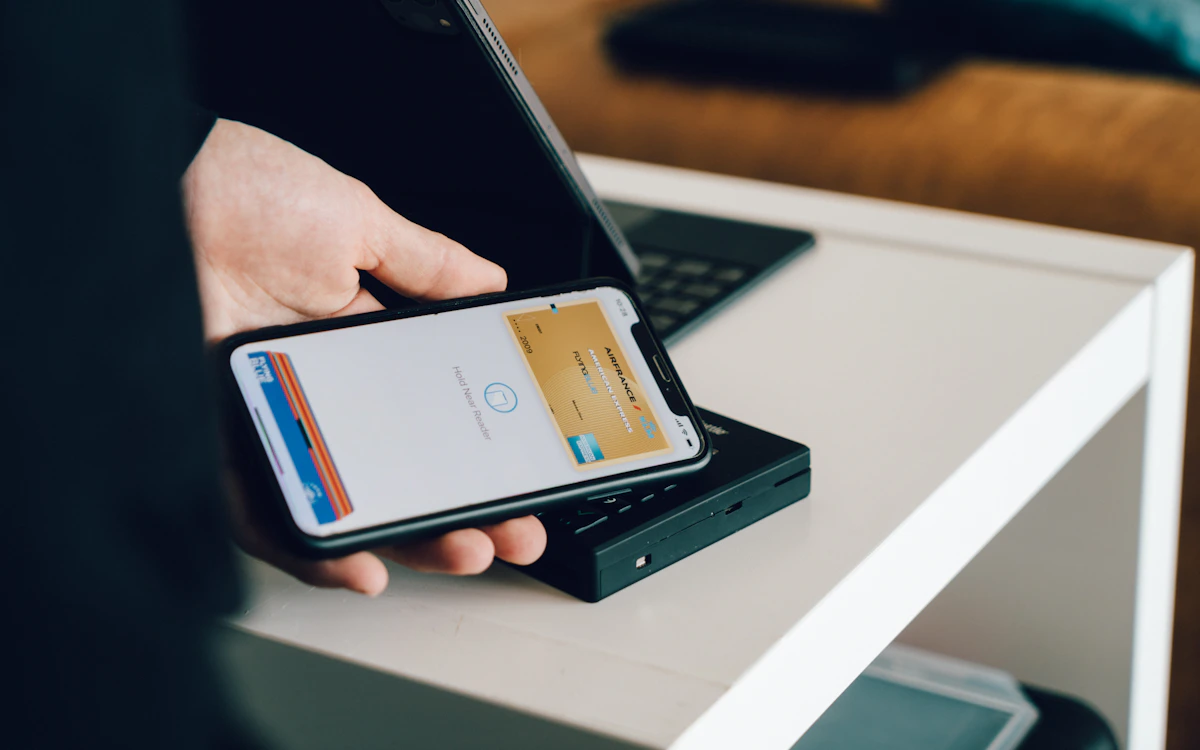 Photo: Unsplash
Which payment methods should you offer?
Offer the methods your audience actually uses: bank cards, digital wallets and, depending on your market and niche, local bank transfers, invoicing for businesses or buy-now-pay-later. Every extra method means setup and maintenance; a missing one means abandoned carts.
What is usually needed:
- bank cards — the baseline for any shop;
- digital wallets — Apple Pay and Google Pay for fast mobile checkout;
- local methods — bank transfers and instant payment schemes popular in your markets;
- invoicing — for B2B sales;
- saved cards and recurring payments — for subscriptions.
Receipts and tax
Many jurisdictions require specific receipts or invoices for online sales, and tax rules differ by country. Many providers can generate receipts and handle tax calculation for you, which simplifies launch considerably. Receipts need line items, tax rates and payment details, so plan for them when designing your catalogue.
What should you test before launching payments?
Before launch, test every scenario, not just a successful payment: a bank decline, a repeated notification, a full and partial refund, and a customer who closes the page before returning to your site. Most payment problems surface in exactly these branches.
Checklist:
- Successful payment — the order is paid, a receipt is issued, the email is sent once.
- Decline — the order stays unpaid and the customer can retry.
- Repeated webhook — the status does not change twice and the email is not duplicated.
- Full and partial refund — correct statuses and refund receipts.
- The customer closed the tab — the status still updates via the webhook.
- Test and live API keys are separated, and secrets are not in the repository.
Card data deserves a mention: with a hosted page or the provider's widget, card numbers never pass through your server, which greatly reduces your security obligations. General data protection rules are in personal data on your website.
When do you need your own payment layer?
Your own layer over several providers is needed when volume is high and even small fee differences matter, when a single provider's outage must not stop sales, or when different payment methods are cheaper through different providers. For most projects it is overkill.
What such a layer includes:
- routing payments between providers by rules — amount, method, availability;
- automatic failover when the primary provider fails;
- one payment and status model over different APIs;
- reconciliation with each provider and unified reporting.
In short
- A payment facilitator is the fastest start: one contract, many methods, ready receipts.
- A direct merchant account pays off at steady volume; multiple providers suit large projects.
- Change order status on webhooks or API checks, with idempotency keys.
- Offer the payment methods your audience actually uses.
- Before launch, test declines, repeats, refunds and closed tabs, not just successful payments.
FAQ
Do we need our own receipt system if we use a payment facilitator?
Not necessarily: many providers generate receipts and handle tax documents for you. Check this when choosing a provider and compare the cost with running your own system.
How long does it take to set up payments?
Provider onboarding and document checks usually take from a few days to a couple of weeks, and technical integration from a few days. Start onboarding in parallel with development, not after it.
Can we accept payments without redirecting to the provider's page?
Yes, with the provider's embedded widget or fields on your page — the card data is still handled by the provider. A card form processed on your own server sharply raises your security obligations.