
Contents
In a web project, Redis is a fast in-memory store for data that is needed often and briefly: cache, sessions, job queues, counters, rate limits and locks. It takes load off the main database and speeds up responses, but it does not replace the database: keeping the only copy of important data in Redis is risky. A small site may not need it at all.
Here is what Redis is used for in practice, how to configure it and when you can do without it.
What is Redis used for in web applications?
Redis is used where you need very fast reads and writes of small pieces of data that can be lost or rebuilt. All data lives in memory, so operations take fractions of a millisecond — orders of magnitude faster than a disk-based database query.
| Task | How Redis helps | What happens without it |
|---|---|---|
| Caching | Stores ready results of heavy queries and pages | Every request hits the database again |
| Sessions | Fast session access from any application server | File sessions break with several servers |
| Job queues | A broker for background jobs | The database works, but slower at high volume |
| Rate limiting | Atomic counters with expiry | Brute-force protection is harder to do reliably |
| Locks | Stops two processes doing the same thing at once | Double charges, duplicate jobs |
| Counters and rankings | Sorted sets for top lists and leaderboards | Heavy aggregate queries on the database |
How is Redis used as a cache?
As a cache, Redis stores the results of expensive operations with a limited lifetime: the application first looks for a ready result in Redis and only goes to the database on a miss. The key questions are what to cache, for how long and how to clear the cache when data changes.
A Laravel example: cache the category catalogue for an hour and clear it on change.
// Read: from Redis, or on a miss from the database, stored for an hour
$categories = Cache::remember('catalog:categories', now()->addHour(), function () {
    return Category::query()->withCount('products')->orderBy('position')->get();
});

// Write: after a category changes, the stale cache is removed
Category::saved(fn () => Cache::forget('catalog:categories'));
Cache what is read far more often than it changes: catalogues, reference data, settings, heavy report results. Personal and frequently changing data causes more trouble than it saves when cached.
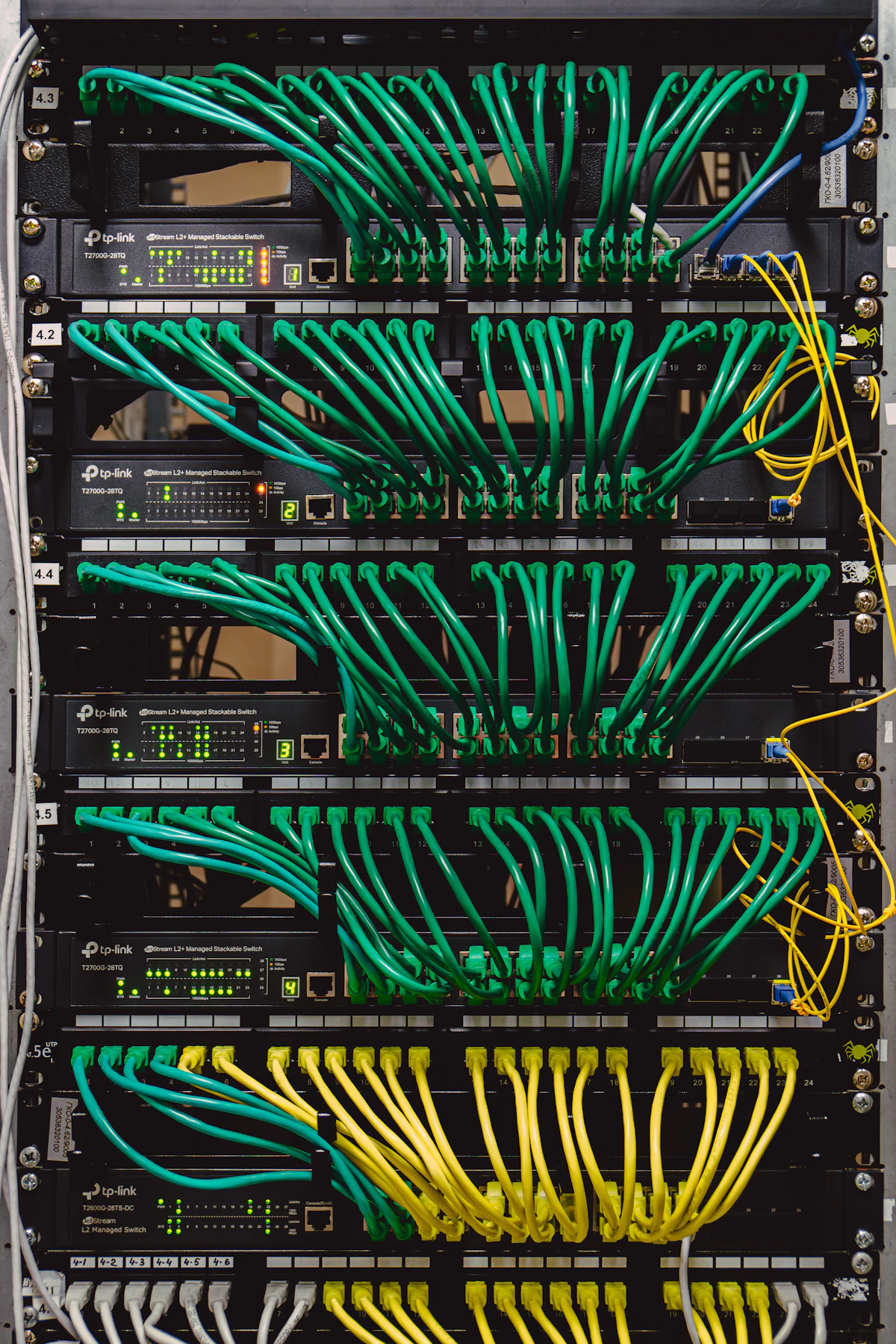 Photo: Unsplash
Can important data be stored in Redis?
Do not keep the only copy of important data in Redis: it runs in memory, and although it can persist to disk, a crash may lose the latest changes, and under memory pressure it may evict keys. Keep orders, payments and users in your main database.
Settings worth checking
- Memory limit (
maxmemory) — without it, Redis can consume all the server's memory. - Eviction policy (
maxmemory-policy) —allkeys-lrusuits a pure cache; eviction is dangerous for queues and sessions. - Persistence — RDB snapshots and the AOF log, if losing data on restart is unacceptable.
- Access — Redis must never be exposed to the internet; a password and a private network are mandatory.
It often makes sense to split instances: one Redis for cache with eviction, another for queues and sessions without it.
When is Redis unnecessary?
Redis is unnecessary when load is modest, the application runs on one server and the database handles every query. An extra component is one more thing to update, monitor and recover after failures.
Signs you can do without Redis:
- One application server — sessions and cache can live in files or the database.
- A small job queue — a database-backed queue driver is enough.
- No slow queries, or they are fixed with indexes — see PostgreSQL indexes.
- No need for rate limits or cross-server locks.
Signs it is time to add Redis: several application servers, a growing job queue, repeated heavy queries that indexes cannot fix, and a need for atomic counters. It is especially handy for queues — see job queues in web applications.
How does Redis compare with Valkey and other alternatives?
Valkey is a fork of Redis that the community began developing under the Linux Foundation in 2024, after Redis changed its licence. For typical web application tasks they are compatible at the protocol and command level, so clients and frameworks work with both.
How to choose:
- on a managed cloud, use what the provider offers — often Valkey or a compatible service;
- when self-hosting, check the licence terms of the version you pick;
- for a simple cache Memcached also works, but it has no queues, data structures or persistence.
In short
- Redis is a fast in-memory store for cache, sessions, queues, rate limits and locks.
- Cache what is read often and changed rarely, and clear the cache when data changes.
- Never keep the only copy of important data in Redis; configure memory limits, eviction and access.
- A single server with modest load often does not need Redis.
- Valkey is compatible with Redis for typical tasks; in the cloud, use what your provider supports.
FAQ
How much memory does Redis need?
As much as your keys take, plus headroom for peaks. Cache and sessions for a small project usually fit in a few hundred megabytes; watch memory usage in monitoring and set a limit.
What happens to the site if Redis goes down?
It depends on how it is used. If only for cache, the site keeps working, just slower, by going to the database. If sessions and queues live in Redis, users get logged out and background jobs stop — hence monitoring and automatic restarts.
Do we need a Redis cluster?
Most projects are fine with one instance plus a replica for failover. A cluster is needed when data no longer fits in one server's memory or load exceeds its capacity.