Contents
Two-factor authentication (2FA) requires more than a password to sign in — a code from an app, a security key or biometrics on the device. It protects the account even if the password leaks. Passkeys are even more secure and convenient: passwordless sign-in with a key stored on the user's device that a phishing site cannot steal.
Here are the kinds of second factors, how passkeys work, how to handle account recovery and how to add protection without complicating sign-in.
Why is a password alone not enough?
Passwords leak all the time: people reuse the same password across sites, databases from breached services are published, and phishing pages look like the real thing. Attackers automatically try leaked email-password pairs on thousands of sites.
The main threats:
- password reuse — a leak from one site opens accounts on others;
- phishing — users type their password into a fake page themselves;
- brute force — simple passwords are guessed automatically; see rate limiting;
- malware — passwords intercepted on an infected device.
Which second factors are there?
Second factors differ in security and convenience. SMS is the most familiar but least secure: codes can be intercepted via SIM swapping. Authenticator apps are stronger, and hardware keys and passkeys even protect against phishing.
| Method | Security | Convenience | Phishing-resistant |
|---|---|---|---|
| SMS code | Low | High | No |
| Email code | Low | Medium | No |
| Authenticator app (TOTP) | Medium | Medium | No |
| Push approval in an app | Medium | High | Partly |
| Hardware security key | High | Medium | Yes |
| Passkey | High | High | Yes |
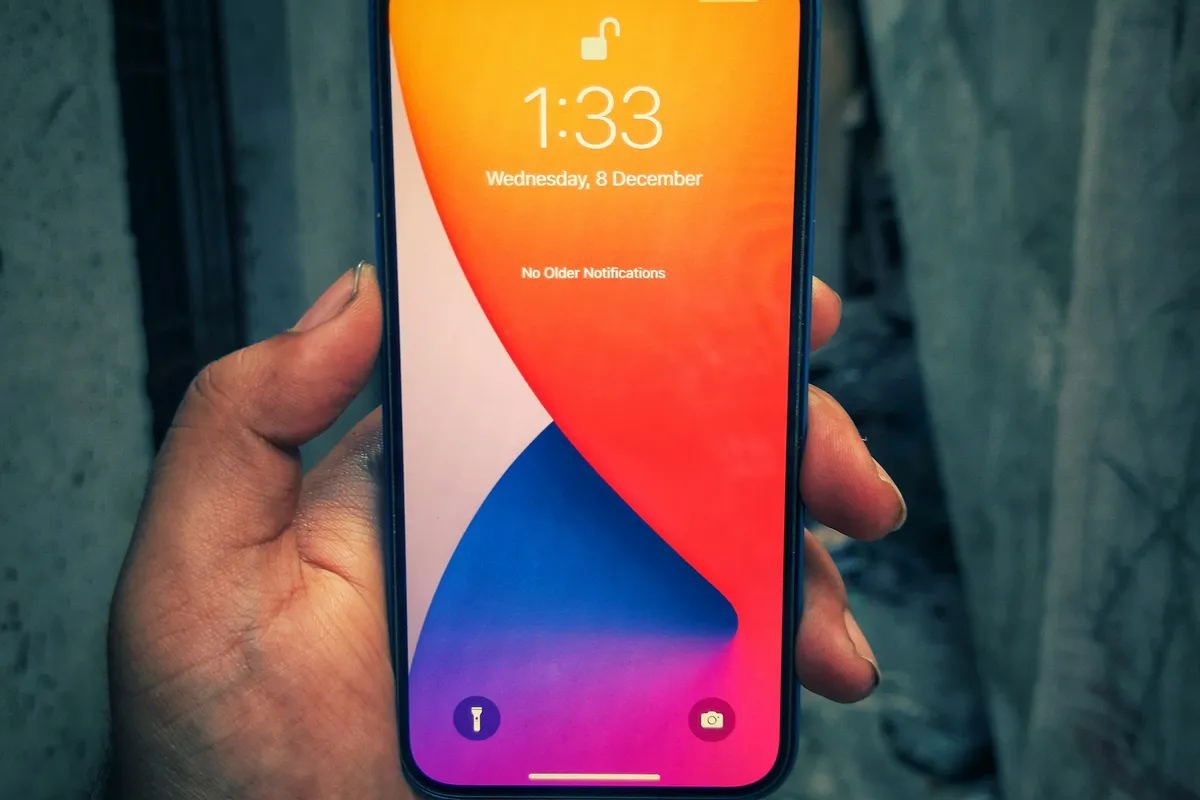 Photo: Unsplash
How do passkeys work?
A passkey is a pair of cryptographic keys: the private one stays on the user's device, protected by fingerprint, face or PIN; the public one is stored on the server. At sign-in the server sends a challenge, the device signs it with the private key and the server checks the signature. No password is transmitted at all.
Why it is more secure:
- the private key never leaves the device and is not stored on the server — a database leak does not reveal it;
- the key is bound to the site's domain, so a phishing page cannot use it;
- there is nothing to guess and nothing to reuse on other sites;
- users have nothing to remember — they sign in with a fingerprint or face.
Technically passkeys use the WebAuthn standard, supported by all modern browsers and operating systems. On other authentication methods, see sessions vs JWT vs OAuth.
How do you handle account recovery?
Account recovery is the weakest point of any protection: if a second factor can be reset with one email to support, an attacker will do exactly that. So plan for the lost-phone scenario in advance.
- Backup codes. When enabling 2FA, the user receives one-time codes to save.
- Multiple factors. Allow adding a second key or device.
- Verified resets. Resets through support require identity checks and a delay announced on every channel.
- Notifications. Users get an email about every change to their sign-in methods.
How do you add protection without ruining sign-in?
Roll protection out gradually and with care for users: offer it first, explain the benefit, make setup a couple of steps. Make 2FA mandatory for admins and staff, and for customers require it on risky actions.
- offer a passkey right after a successful password sign-in;
- ask for a second factor when signing in from a new device or unusual location;
- require re-confirmation before critical actions: changing email, withdrawing money;
- mandatory 2FA for the admin panel and staff, with no exceptions;
- remember trusted devices so users are not asked for a code every time.
On data protection in general, see OWASP Top 10 explained and data encryption.
In short
- Passwords leak, so a second factor is needed.
- SMS is the weakest option, apps are stronger, passkeys and hardware keys resist phishing.
- Passkeys use WebAuthn: the key never leaves the device and is bound to the domain.
- Plan recovery: backup codes, multiple factors, notifications.
- Mandatory 2FA for staff; for customers, a gentle rollout and checks on risky actions.
FAQ
Should two-factor authentication be mandatory?
For admins, staff and accounts with access to money or other people's data — yes. For ordinary users it is better to encourage it strongly but keep it optional, or require it on suspicious sign-ins.
What happens if a user loses the phone holding their passkey?
Passkeys usually sync through the user's Apple, Google or password manager account and are restored on a new device. It is also wise to allow several keys and keep a backup sign-in method.
Is it hard to add passkeys to an existing site?
Popular frameworks have ready-made WebAuthn libraries and all modern browsers support it. It is usually a few days of work plus designing recovery flows.