Contents
Feature flags are switches in code that turn a feature on or off without a new release. They let you merge unfinished code into the main branch, open a feature first to staff and a small share of users, and switch it off in seconds instead of rolling back the whole release when something goes wrong.
Here are the problems flags solve, the types of flags, how to store them and how to keep them from becoming technical debt.
What problems do feature flags solve?
Flags separate two events that usually happen at once: deploying code to the server and enabling a feature for users. Code can ship on Monday and the feature can be turned on on Thursday, after checking it on staff and first customers.
What flags give you:
- gradual rollout — the feature is enabled for 1%, 10%, 50% of users while metrics are watched;
- kill switch — a problematic feature is turned off without a rollback or new release;
- short-lived branches — unfinished work lives in the main branch behind a disabled flag;
- A/B tests — different groups see different variants and the results are compared;
- plan-based access — features are enabled for specific customers or subscription plans.
What types of flags are there?
Flags differ by lifespan and by who controls them. Temporary release flags should live for weeks, while permanent ones — such as plan-based access — stay in the product for a long time.
| Type | Purpose | Lifespan | Owner |
|---|---|---|---|
| Release | Roll a feature out gradually | Days to weeks | Developers |
| Experiment | A/B test | Weeks | Product |
| Operational | Switch off a heavy feature in an emergency | Permanent | On-call engineers |
| Permission | Access by plan or customer | Permanent | Product and sales |
 Photo: Unsplash
How do you implement flags technically?
Technically a flag is a named rule that returns "on" or "off" for a given user. Rules are stored in the database, config or an external service, and values are cached so checks do not slow requests down.
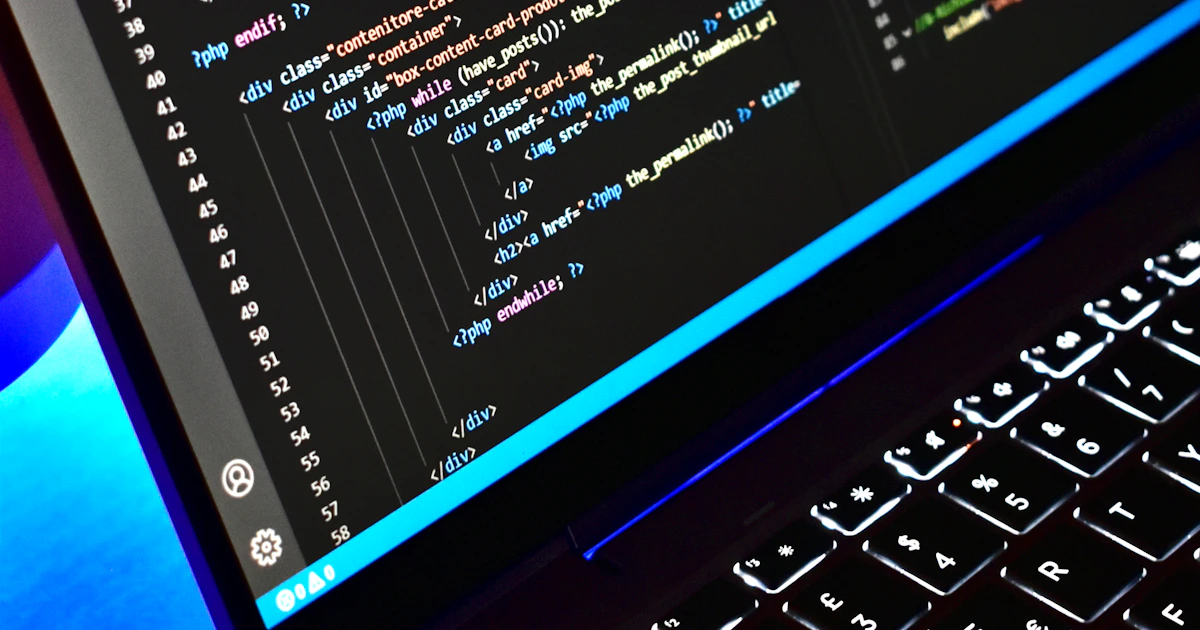
if (Feature::for($user)->active('new-checkout')) {
    return $this->newCheckout($cart);
}

return $this->legacyCheckout($cart);
For percentage rollouts, users are assigned to a group by a hash of their ID: that way each user always sees the same variant instead of switching on every page reload.
Where to check flags:
- On the backend — for logic, data and anything security-related.
- On the frontend — for the interface, receiving flag values from the API.
- In a mobile app — via remote config, since a new store release does not ship instantly.
How do flags make releases safer?
Flags reduce risk because a small group of users sees every change first, and it can be switched off instantly if there are problems. Combined with monitoring, this turns a risky big release into a series of small, verifiable steps.
A typical rollout:
- Code ships with the flag off.
- The feature is enabled for staff and testers.
- Then for 5–10% of users while errors and business metrics are watched.
- If all is well, the share grows gradually to 100%.
- A few days later the flag and the old code are removed.
More on safe releases in zero-downtime deployments and CI/CD with GitHub Actions, and on metrics in monitoring and logging.
How do you keep flags from becoming technical debt?
Flags become debt when nobody removes them: the code fills with conditions, nobody remembers which branches are live and the number of combinations to test grows. So every temporary flag needs an owner and a removal date.
Hygiene rules:
- create a removal task the moment you create a flag;
- limit the number of release flags live at once;
- do not nest flags inside each other;
- regularly review flags that have been at 100% for over a month;
- name flags clearly: what they enable and since when.
We wrote about managing accumulated shortcuts in technical debt.
In short
- Flags separate deploying code from enabling a feature for users.
- They provide gradual rollout, kill switches, A/B tests and plan-based access.
- Flag values are cached; percentages use a hash of the user ID.
- Rollouts go in steps: staff, a small share of users, everyone.
- Every temporary flag has an owner and a removal date.
FAQ
Do you need a paid service for feature flags?
Not necessarily. A small team can keep flags in the database or config with a simple admin screen. Paid services pay off with many flags, A/B testing, change audits and product teams managing flags without developers.
Do feature flags slow the application down?
Not when implemented properly: flag values are cached in memory or Redis and a check takes microseconds. Problems start only if every check hits the database.
How do you test code with feature flags?
Test both flag states for important scenarios and pin flags to their production values in other tests. The fewer flags are live at once, the simpler testing gets.